What Is SEO? A Plain-English Guide for Small Businesses
SEO is the work of making your website easy for search engines to find, understand and recommend. Here is what that means in practice for a small business, and what you can do yourself.
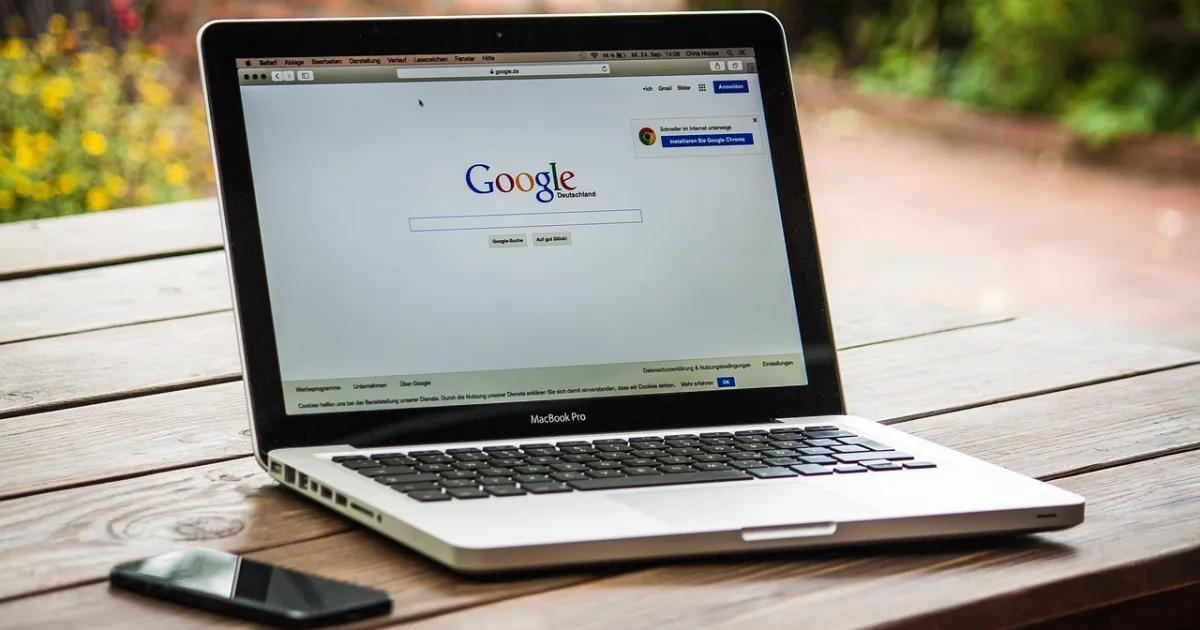
SEO stands for search engine optimisation: the work of making your website easy for search engines to find, understand and show to people who are looking for what you offer. For most UK businesses "search engine" means Google, so in practice SEO is about how your pages appear in Google's free results, the ones below and around the ads.
Those free results are worth the effort because they keep working after you stop paying. An advert stops the moment the budget runs out; a page that ranks for "boiler service in Leeds" can bring enquiries for years. The catch is that nobody, including Google, can promise you a position, and results take time to build.
How Google decides what to show
Google describes its search in three stages, and a page has to get through each one to appear at all.
- Crawling. Google's automated programs follow links and sitemaps to discover pages and download their text, images and videos.
- Indexing. Google works out what each page is about and stores it in its index, a vast catalogue of the web. Not every page it crawls is indexed.
- Serving results. When someone searches, Google picks the pages from its index it judges most relevant and useful for that search, taking into account things like the searcher's location and language.
SEO is simply helping your pages through those three stages: making sure Google can reach them, that it understands what they offer, and that they are a better answer than the alternatives. Google is explicit that it does not accept payment to crawl a site more often or rank it higher.
The three parts of SEO
1. Technical: can Google reach and read your site?
This is the plumbing. Pages need to load properly, work on a phone, use secure HTTPS addresses and be linked to from elsewhere on your site so Google can find them. A sitemap helps Google discover new pages. Common problems on small business sites include a "noindex" setting left on after a redesign, important information locked inside images, and pages that load slowly on mobile data.
2. Content: does each page answer a real search?
Google's own starter guide keeps returning to one point: write for people, not for search engines. Each important service or product deserves its own page that says clearly what you do, where, for whom and at what kind of price. A plumber with one page saying "we do everything" competes poorly against one with separate pages for boiler repairs, bathroom fitting and emergency call-outs.
Use the words your customers use. If people search for "conservatory roof replacement", a page titled "Glazed extension solutions" makes their job, and Google's, harder.
3. Reputation: do others vouch for you?
Links from other websites still act as a signal that your site is worth recommending, especially links from relevant, real organisations: a local business association, a supplier, a trade body, a newspaper that covered you. Buying links in bulk breaks Google's spam policies and can do more harm than good. For local businesses, reviews are part of reputation too.
Local SEO: being found nearby
If your customers are in a particular town or area, the results that matter most are often the map results, the "local pack" of businesses shown with a map for searches like "florist near me". These are driven largely by your Google Business Profile, the free listing that shows your address, hours, phone number, photos and reviews.
Google says local results are based mainly on three things:
- Relevance: how well your profile matches the search, which is why a complete and accurate profile helps.
- Distance: how far you are from the location used in the search.
- Prominence: how well known your business is, including reviews and information about you across the web.
You cannot move your shop closer to every customer, but you can control relevance completely and influence prominence over time.
What you can do yourself this month
| Task | Why it matters | Time |
|---|---|---|
| Claim and complete your Google Business Profile | Feeds the map results for local searches | 1–2 hours |
| Add Google Search Console to your site | Free tool showing which searches find you and any indexing problems | 30 minutes |
| Give each main service its own page | Lets each page match a specific search | A few hours per page |
| Rewrite page titles to say what and where | The title is usually the blue link people see in results | 1 hour |
| Check your site on a phone | Most local searches happen on mobile | 20 minutes |
| Ask happy customers for a review | Supports prominence and helps people choose you | Ongoing |
How long SEO takes
There is no fixed timetable. A new page can be crawled within days, but earning a strong position for a competitive search usually takes months, and depends on how established your site is and what the competition is doing. Treat SEO as a habit rather than a project: a little steady work on pages, profile and reputation beats a single burst of changes.
Should you pay for SEO help?
Many small businesses get a long way on their own. Outside help makes sense when you have a technical problem you cannot diagnose, a large or complicated site, or no time at all. Google's own advice on hiring an SEO is worth reading before you sign anything. Its guidance is blunt: if someone guarantees that their changes will put you in first place, find someone else. Ask instead what they will change, why, how they will measure it and what access they need to your site.
Whoever does the work, keep ownership of your website, your domain name, your Google Business Profile and your Search Console account in your own name.
Questions
Is SEO free?
Appearing in Google's organic results costs nothing, and much of the basic work can be done yourself. What costs money is the time involved or paying someone to do it for you.
What is the difference between SEO and Google Ads?
Google Ads are paid placements marked as sponsored; you pay when someone clicks. SEO aims at the free results, which you cannot buy but which keep bringing visits without a per-click cost.
Do I need a blog for SEO?
Not necessarily. Clear, useful pages for each service matter more. Articles help when they answer questions your customers genuinely ask before buying.
Can anyone guarantee a first-page ranking?
No. Google does not sell rankings, and its own advice is to avoid anyone who guarantees first place.
Sources
Read next

SEO for Small Business: A Realistic 90-Day Plan
SEO for a small business is less about tricks and more about a short list of jobs done well. Here is a realistic 90-day plan, the free tool…

Local SEO for Small Businesses: A Practical Guide
Local SEO helps nearby customers find you when they search for what you do. Here is how Google chooses local results and the steps a small …